

Setup Guide
Follow these simple steps to get your Shopify theme licenses up and running in minutes.
Choose a Plan
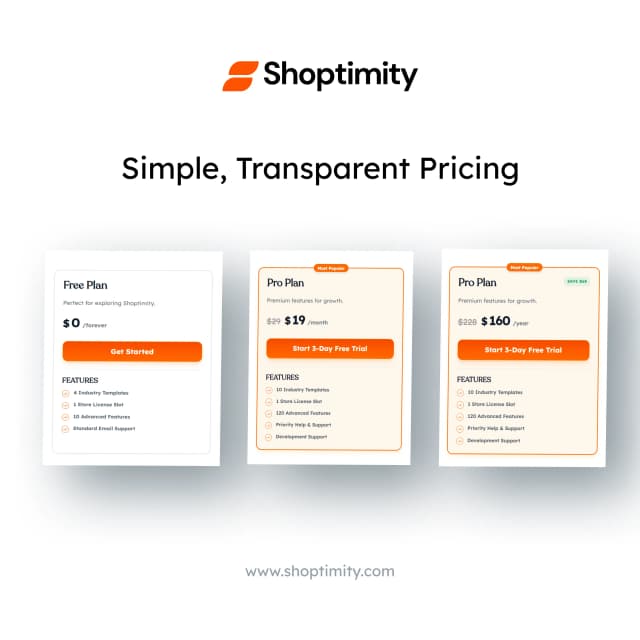
Browse our premium plan designed for focused growth. Each account includes a single license slot, which can be used for one Shopify store domain at a time. This ensures optimal performance and dedicated usage for your store.
Complete Checkout
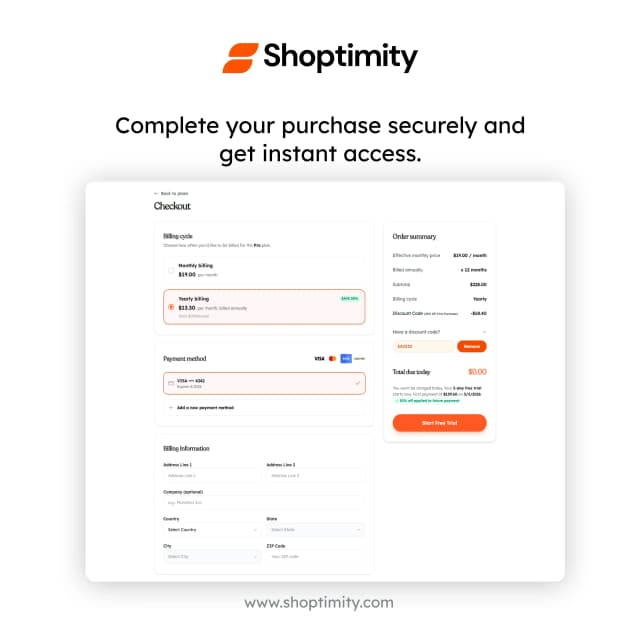
Our checkout process is fast and fully secured by Stripe. Simply enter your payment details, and you'll receive an instant confirmation email and access to your customer portal.
Access Your Dashboard
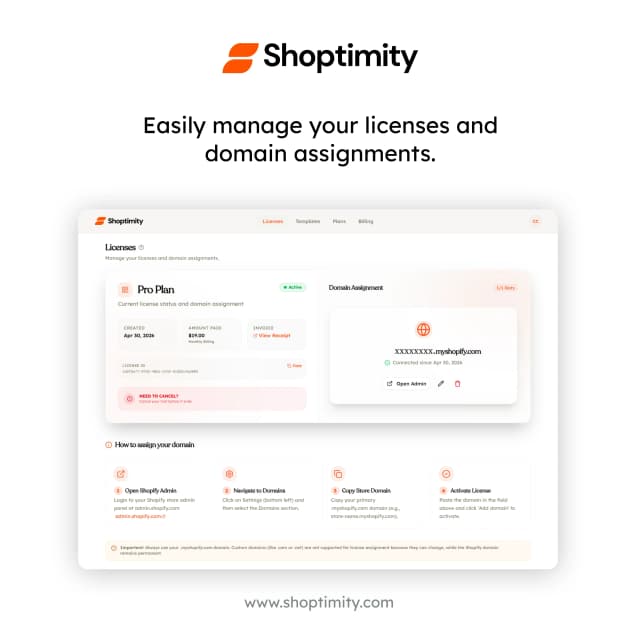
Sign in using Google or your email and password. Once logged in, you can manage your theme licenses and assets from a single dashboard.

Add Your Store Domains
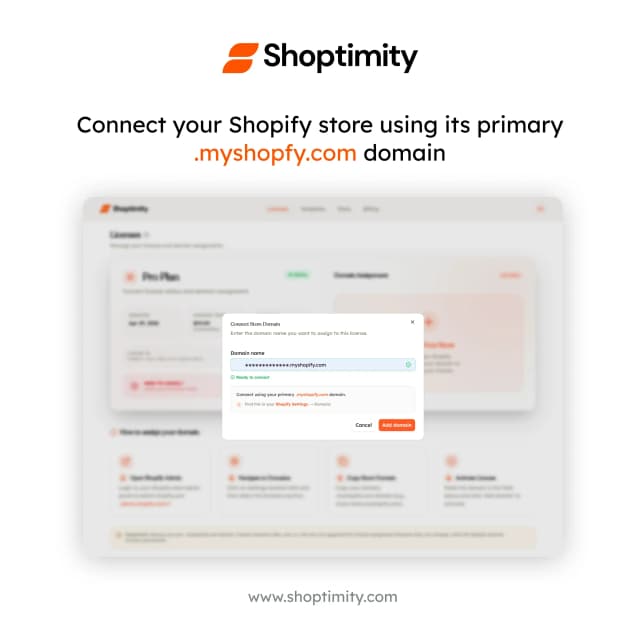
Enter your Shopify .myshopify.com domain to assign your license. Each account supports one active domain per license slot.
Download Theme Templates
Access our premium template library and download the latest theme builds in ZIP format. Our themes are optimized for performance and conversion right out of the box.

Final Activation
Upload the ZIP file to your Shopify Admin. Your license will automatically activate once the theme is installed on a registered domain. You're now ready to build!
Ready to scale your commerce?
Join hundreds of high-growth brands building their stores with Shoptimity themes. Set up in under 5 minutes.